Professional work · GE Digital

Proficy Design System

Building a shared UX foundation across five enterprise products without removing the flexibility each product needs.
RoleDesign System Lead · Primary Designer
ScopeResearch · UX strategy · Systems design
ProductsHistorian · CSense · Plant Applications · iFIX · CIMPLICITY
CollaborationCross-product designers · customers · product teams
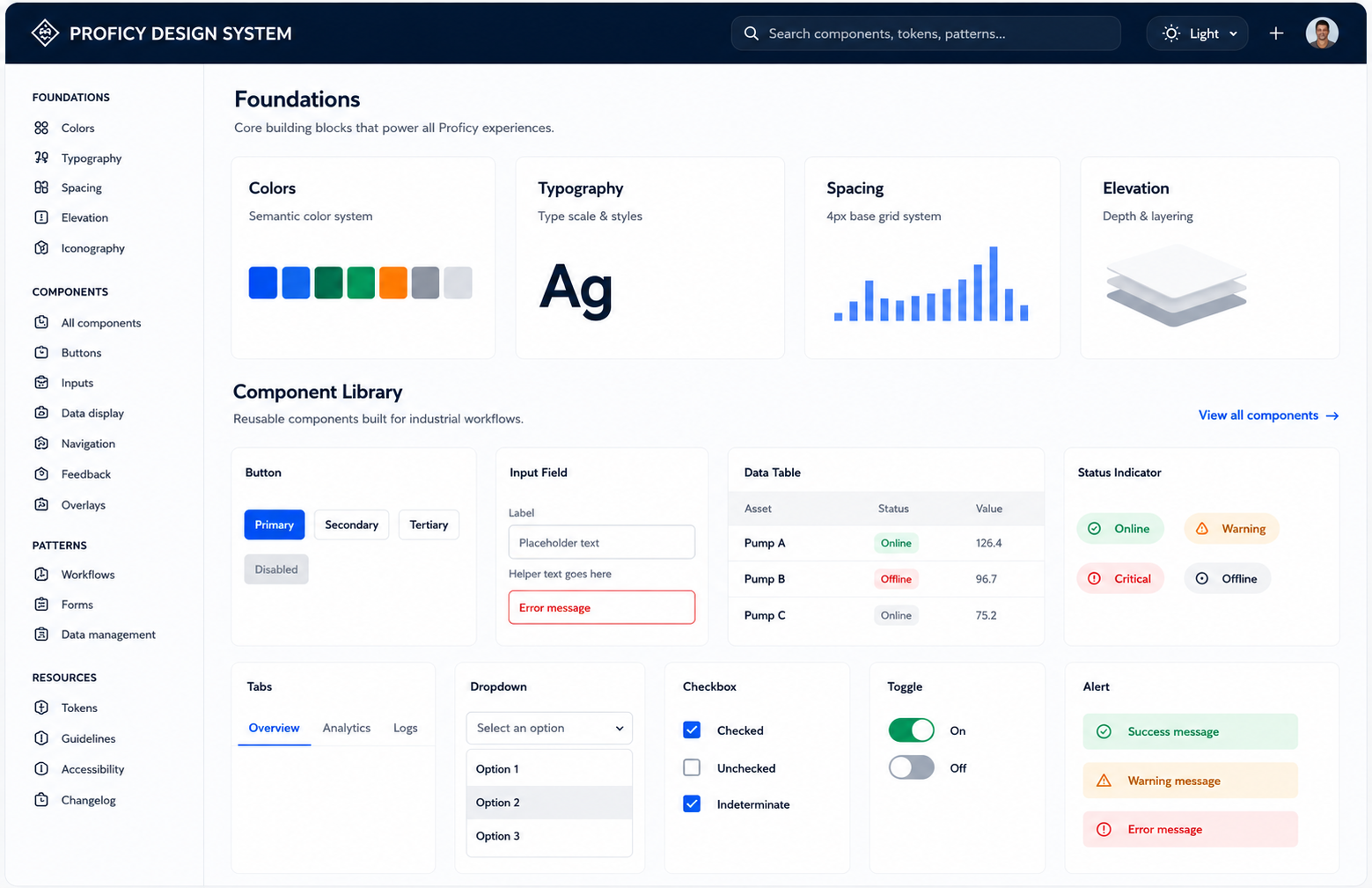
Portfolio-safe Proficy design system workspace showing foundations, component library, patterns and enterprise UI elements

Portfolio-safe visual representation created to communicate the design-system structure and reusable UI language without reproducing confidential product screens.

Design system at a glance

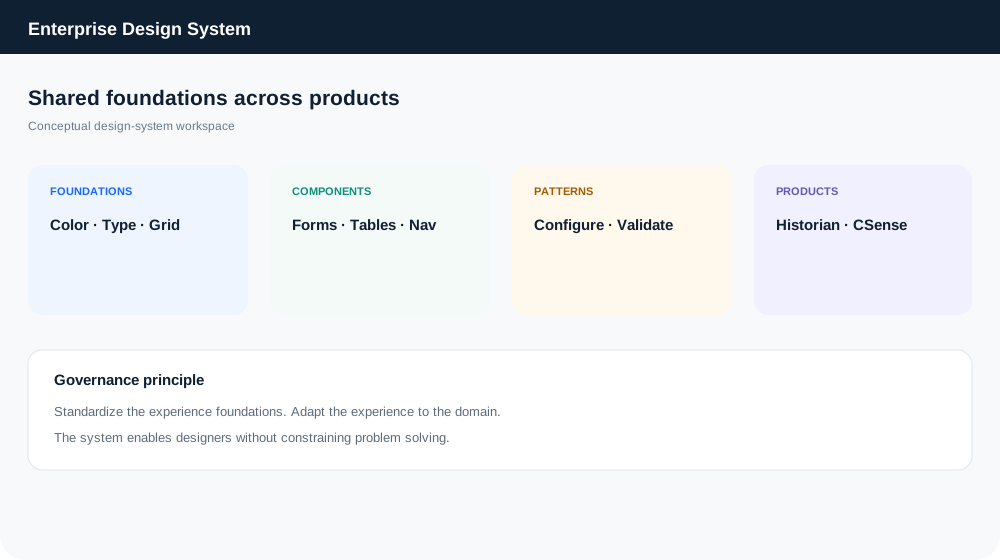
The system connected shared foundations with reusable patterns, while allowing each product to retain its domain-specific workflows.

5 productsOne cross-product experience direction across the Proficy ecosystem.
10+ representative componentsNavigation, inputs, tables, feedback, controls and other core patterns shown here.
Shared foundationsCommon visual and interaction principles to create familiarity.
Flexible by domainProduct-specific workflows remained free to solve their own user problems.

My role

I led the design-system initiative with other designers while also owning UX work across multiple Proficy products.

  • Research and requirements discovery
  • Design thinking and workflow definition
  • Interaction patterns and reusable solutions
  • Design reviews and cross-product alignment
  • Direct customer and user interaction on key work

Core principle

Standardize the foundations. Adapt the experience to the product, user and workflow.

Design system in action

The same design language can support very different enterprise contexts.
Design system foundations and component library
01 · Foundations & component libraryTypography, color, navigation, inputs, tables, tabs, toggles and feedback patterns.
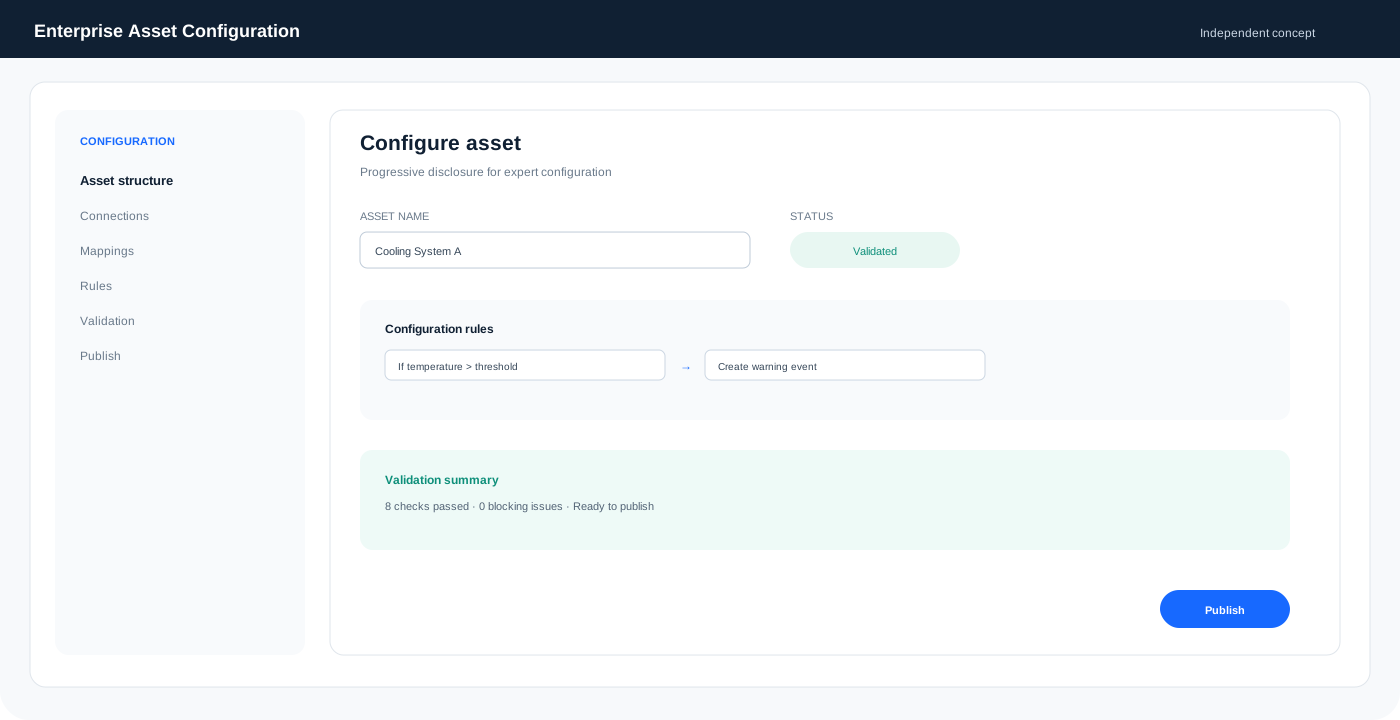
Enterprise asset configuration workspace using shared components
02 · Enterprise configurationShared navigation, hierarchy, tabs, data views, status and action patterns.
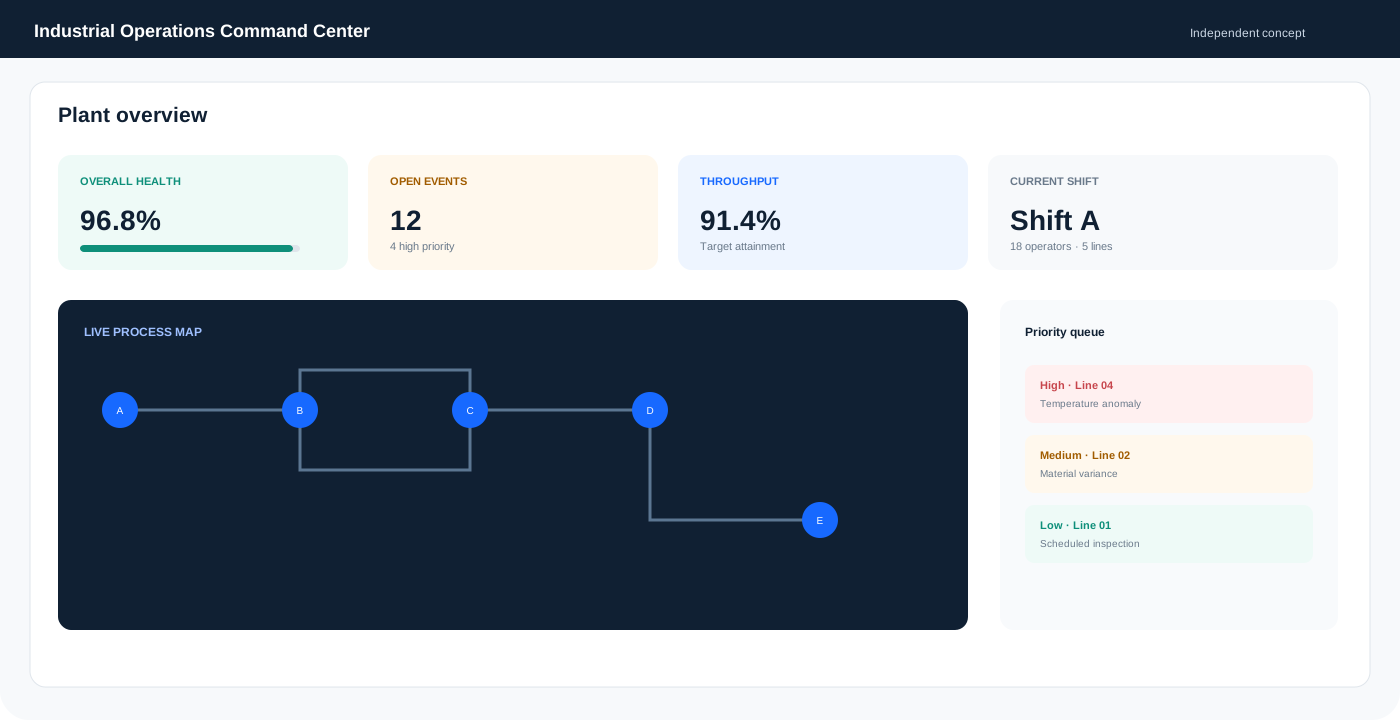
Industrial operations workspace using shared components
03 · Operational decision workspaceDashboards, status, alerts, charts and workflow patterns applied to operations.
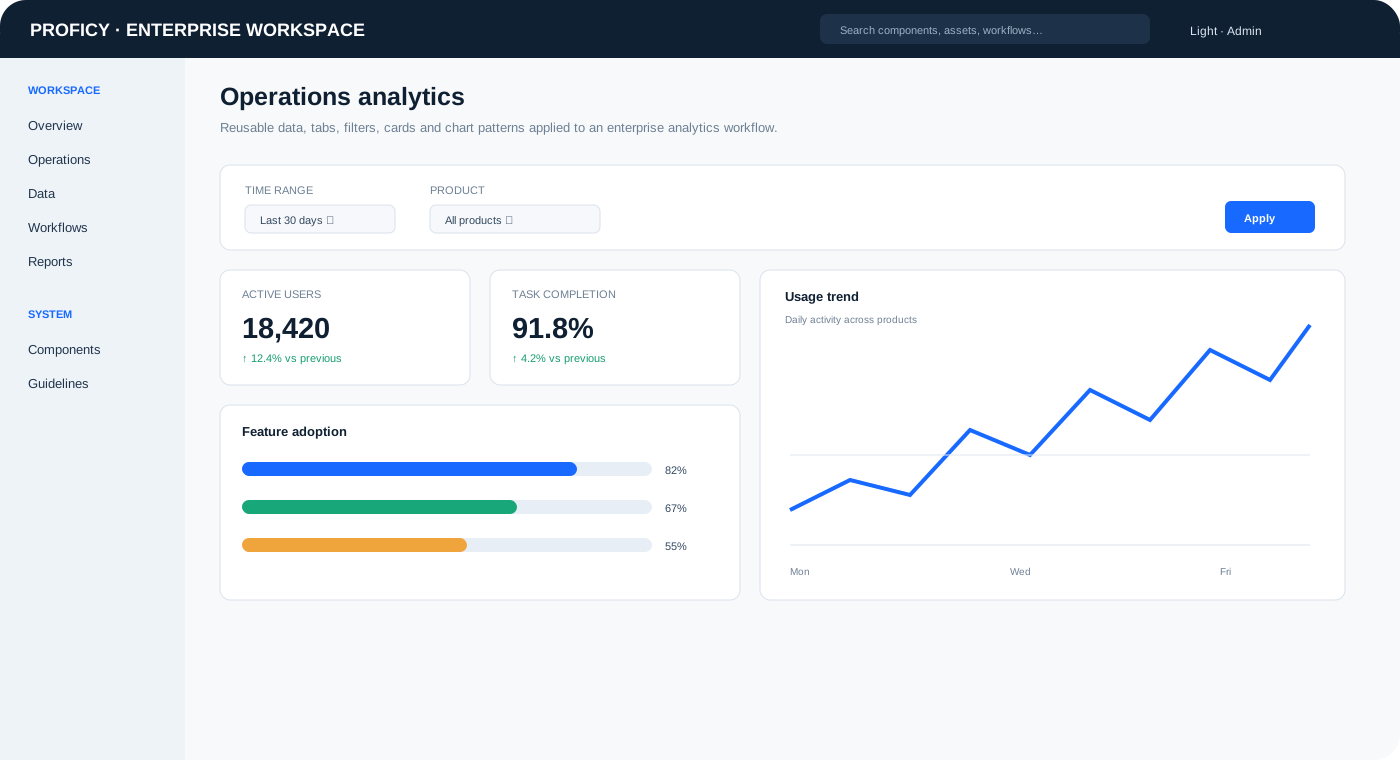
Enterprise analytics UI demonstrating shared cards filters charts and tabs
04 · Analytics workspaceCards, filters, tabs, progress indicators and data visualization patterns.
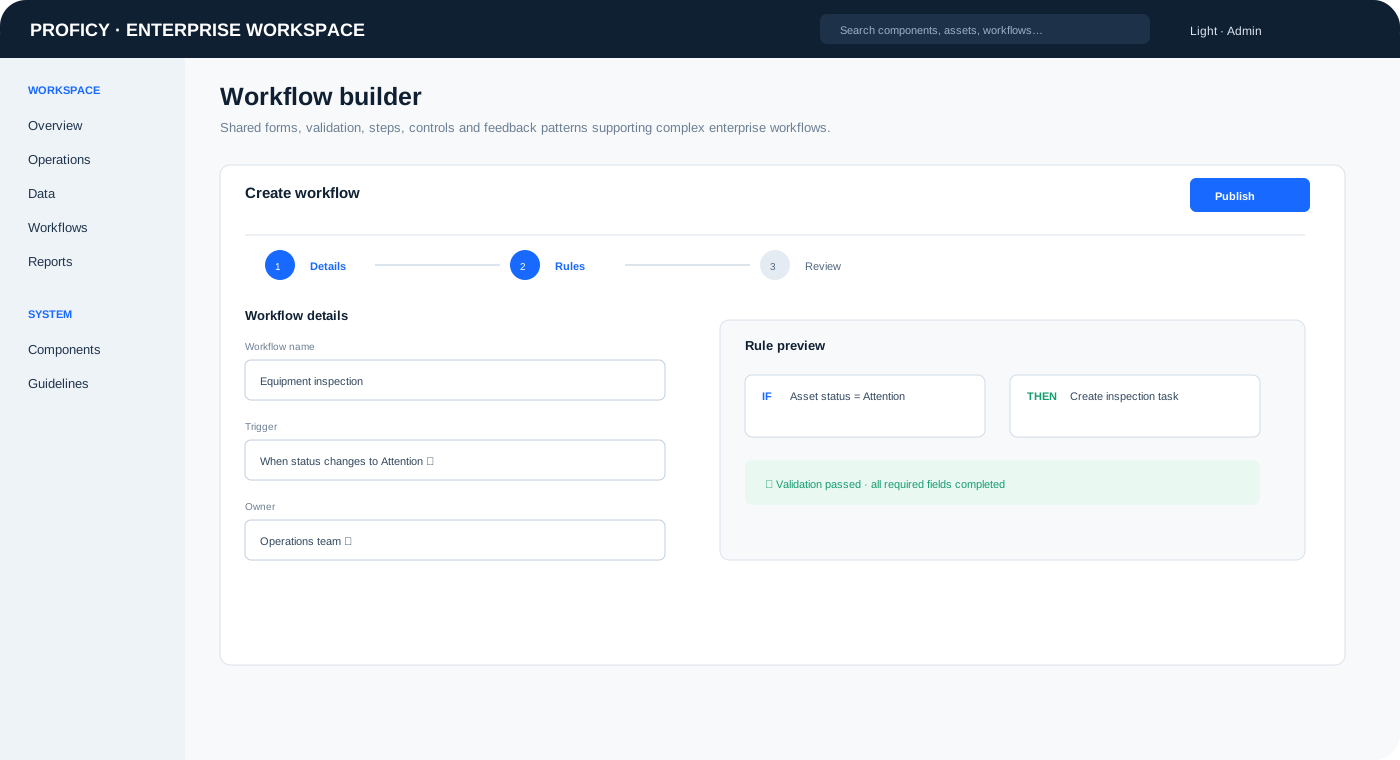
Enterprise workflow builder demonstrating shared forms validation and controls
05 · Workflow builderForms, dropdowns, steps, validation, rules and confirmation patterns.
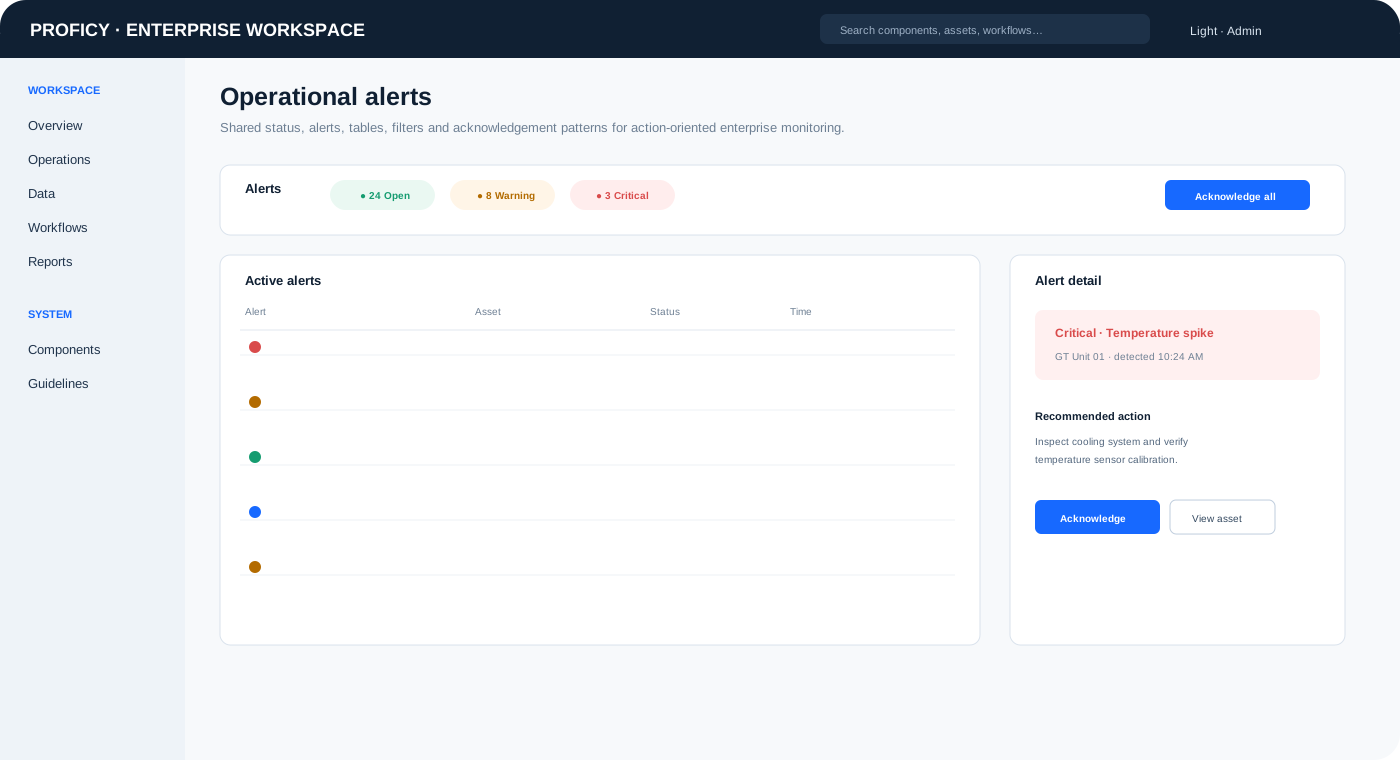
Enterprise alerts UI demonstrating shared status and table components
06 · Alert & monitoring workspaceStatus chips, tables, filters, alerts, actions and detail panels in context.

What changed in the experience

ConsistencyUsers encounter familiar patterns across products.
ClarityComplex workflows can use shared interaction conventions.
ScalabilityDesigners can reuse patterns instead of solving the same UI problems repeatedly.
FlexibilityProduct teams can adapt patterns to domain-specific needs.

Key takeaway

The most important outcome was not a collection of components. It was creating a shared way of thinking about enterprise UX across products while keeping designers focused on the problems their users actually needed solved.

Back to workAll case studies